Reduce bedtime scrolling
Block apps like social media, short videos, and other distractions during sleep hours.
Sleep-focused app blocking
LoopBreak is a sleep-focused app blocker for people who want better screen-time control at night. Block distracting apps during your chosen protection times, then use a physical QR code for a short unlock. Premium adds more QR tiers, NFC unlocks, and advanced controls.
Built around friction, not punishment. The point is simple: make "just one more video" a little harder at the worst possible time.
Built for better nights
LoopBreak helps with late-night phone habits, screen-time control, and simple time management by making distracting apps harder to open during your chosen lock schedule.
Block apps like social media, short videos, and other distractions during sleep hours.
Physical QR codes make quick unlocks possible, but not effortless. Premium also supports NFC tags.
Use scheduled app locks to create a night routine without managing your whole day.
How it works
LoopBreak is designed for night-time app blocking. It does not try to run your whole life. It just makes the apps that steal your sleep harder to reach during your lock window.
Select the apps you want blocked during your scheduled lock time.
Choose the days and hours when LoopBreak should protect your sleep time.
Print a QR code and place it away from your bed. Premium users can also set up NFC tags.
Need access? Get up, scan or tap, and receive a limited unlock window.
Unlock tiers
The scanner screens are controlled unlock doors, not management screens. Free includes the Quick QR tier. Premium adds Standard and Full QR tiers plus NFC unlocks, while schedule and app-blocking settings remain protected.
During an active schedule, Quick Lock, or other protected state, important settings may be restricted so the user cannot simply remove blocked apps or weaken protection while it is running.
App tour
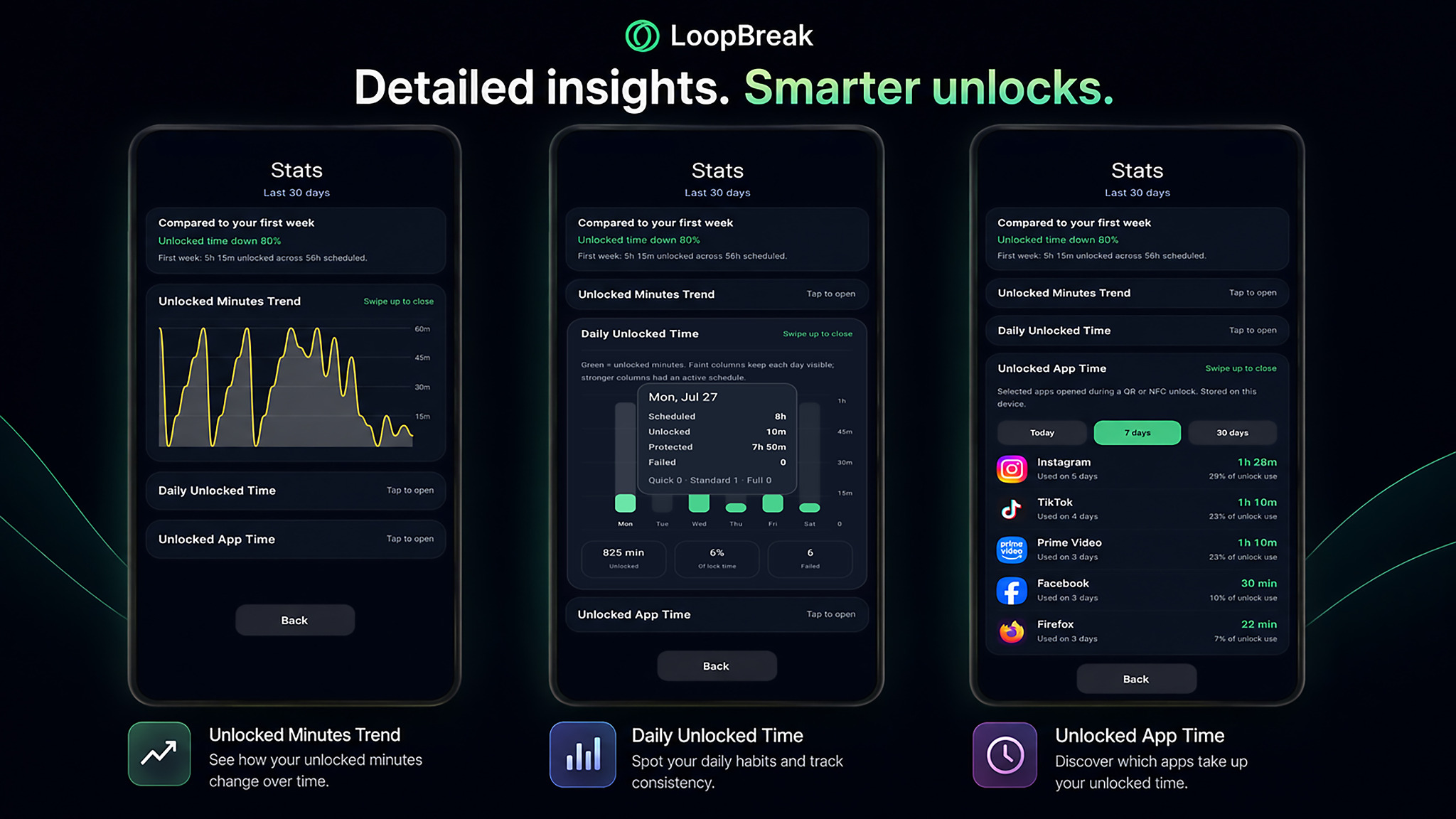
A quick look at the current app flow: guided setup, Preferences, schedules, app blocking, QR and NFC unlocks, recovery, profiles, and Stats.
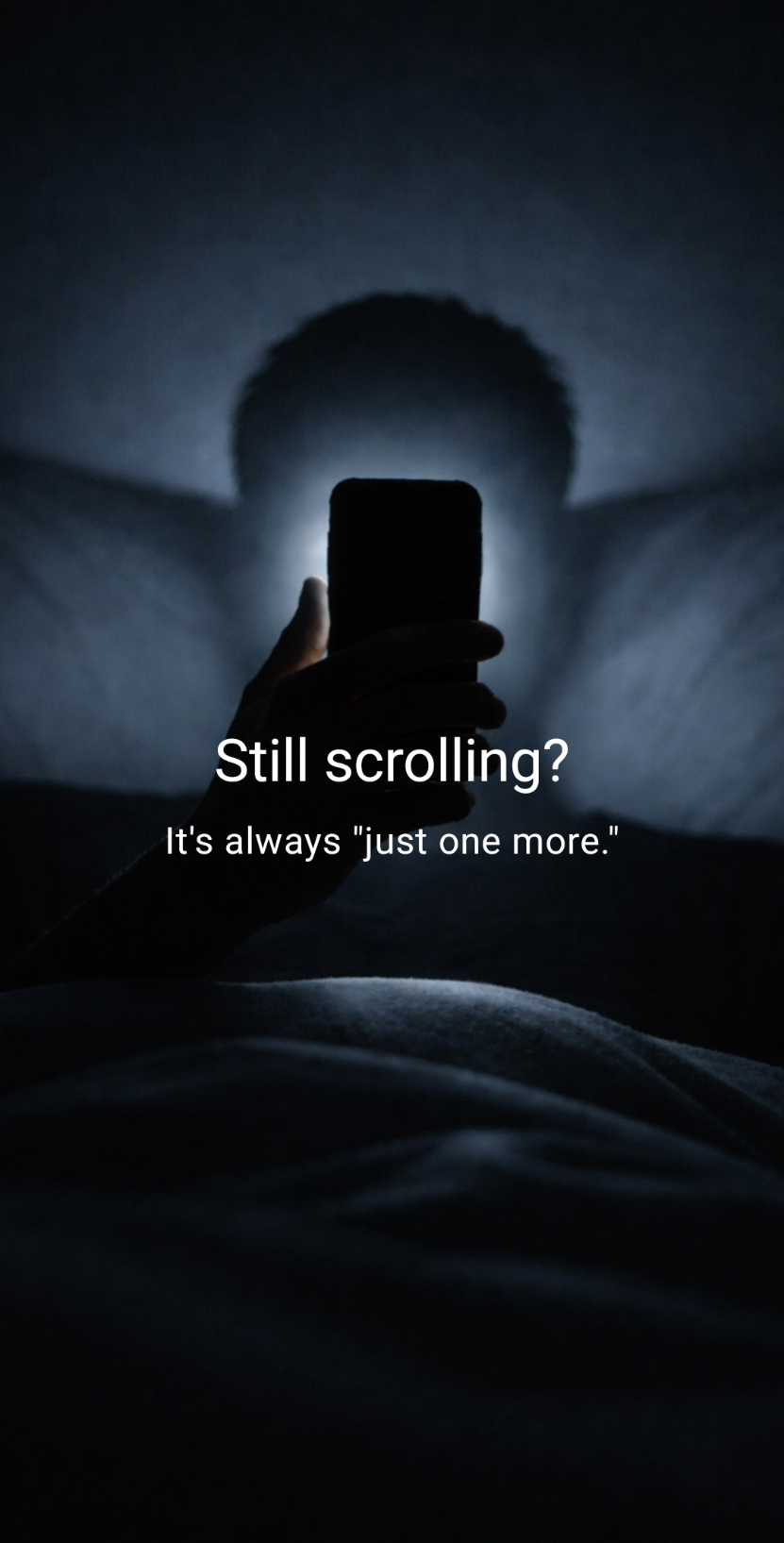
A calm intro before the app opens. No circus music, no productivity guilt sermon.
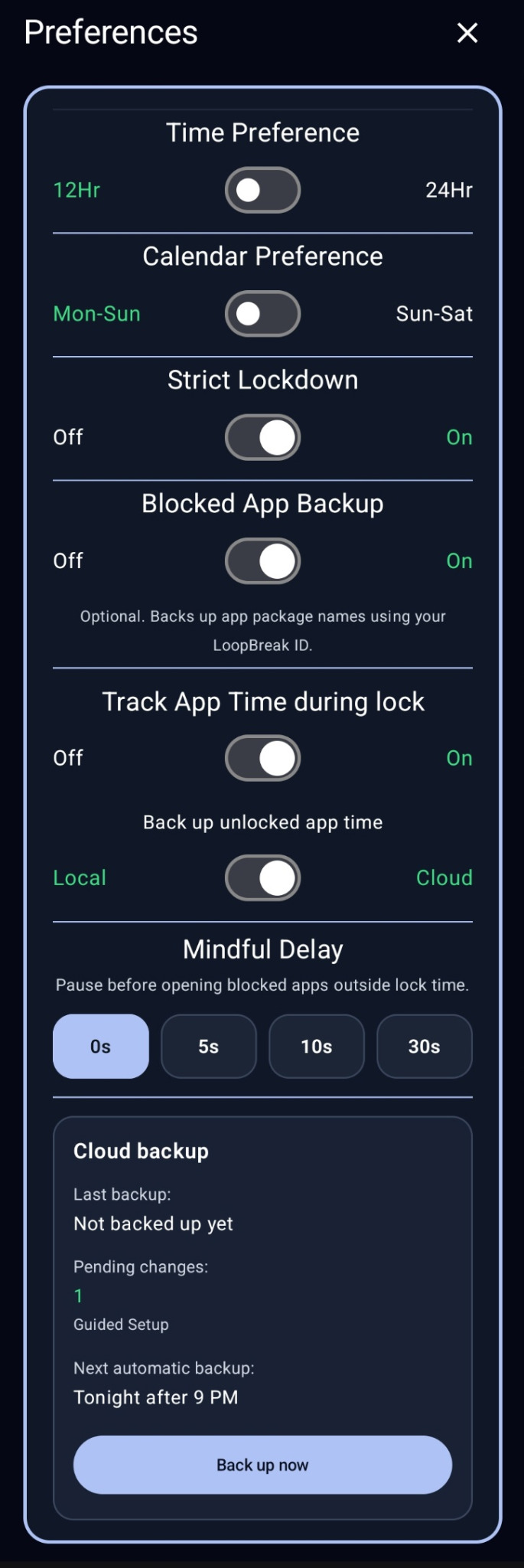
Personal controls
Keep the app working the way you prefer without turning routine choices into complicated setup. Scroll the screen to see the complete set of controls.
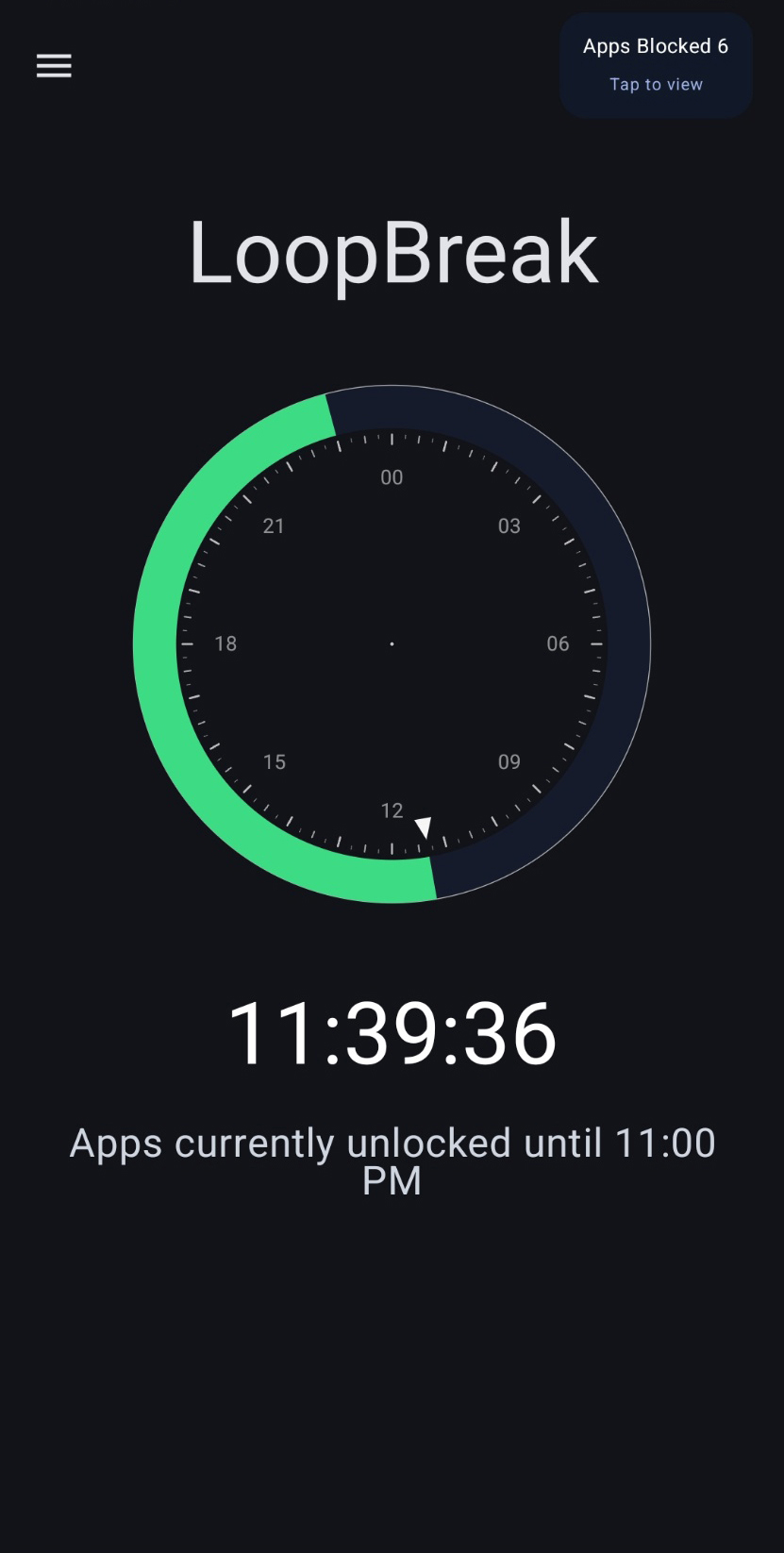
Shows whether apps are locked or temporarily unlocked, with a clear countdown.
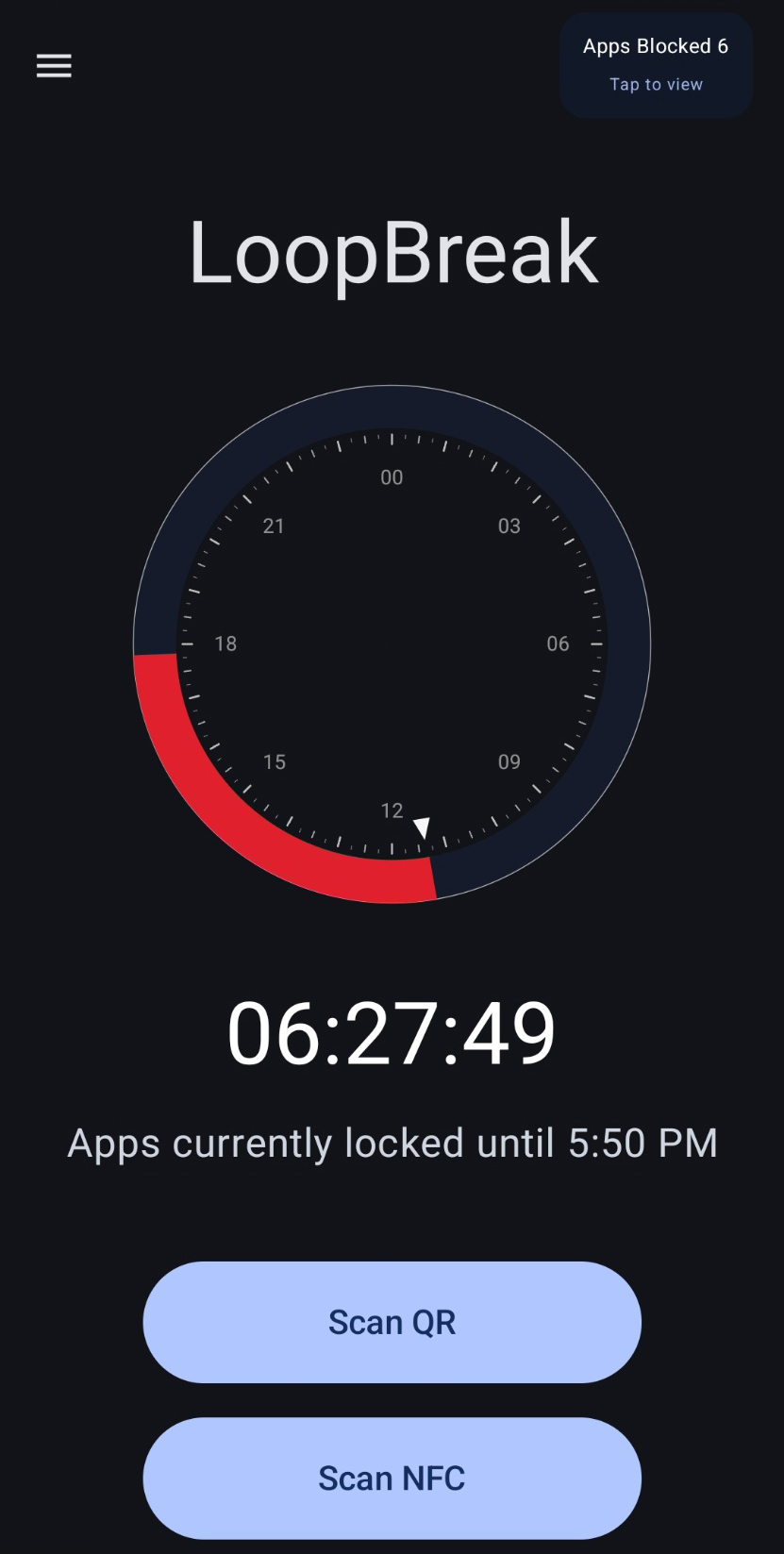
During protection time, available QR or NFC options remain accessible for controlled unlocks.
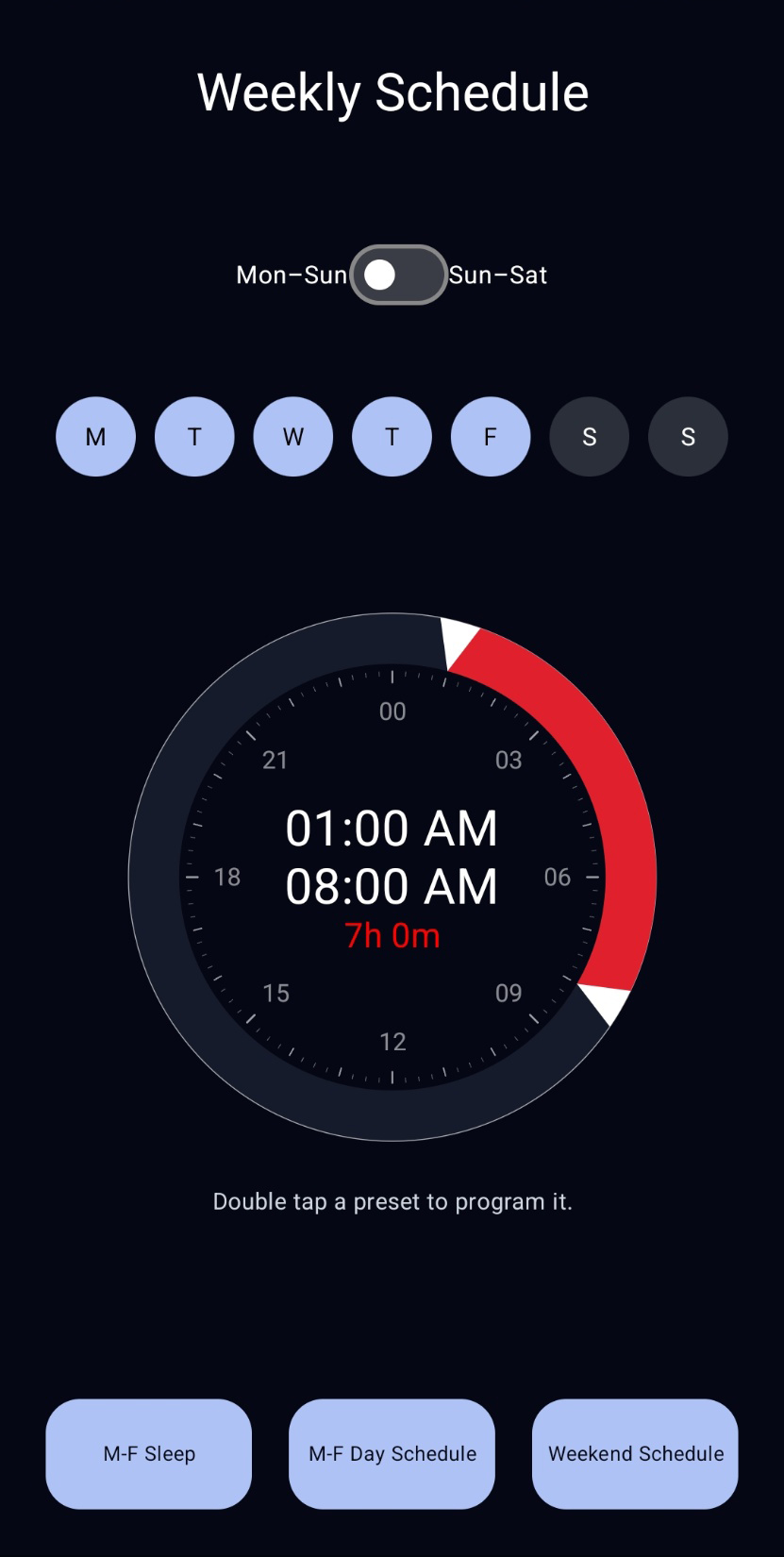
Pick days and set start and end times. Premium adds reusable presets and profiles.
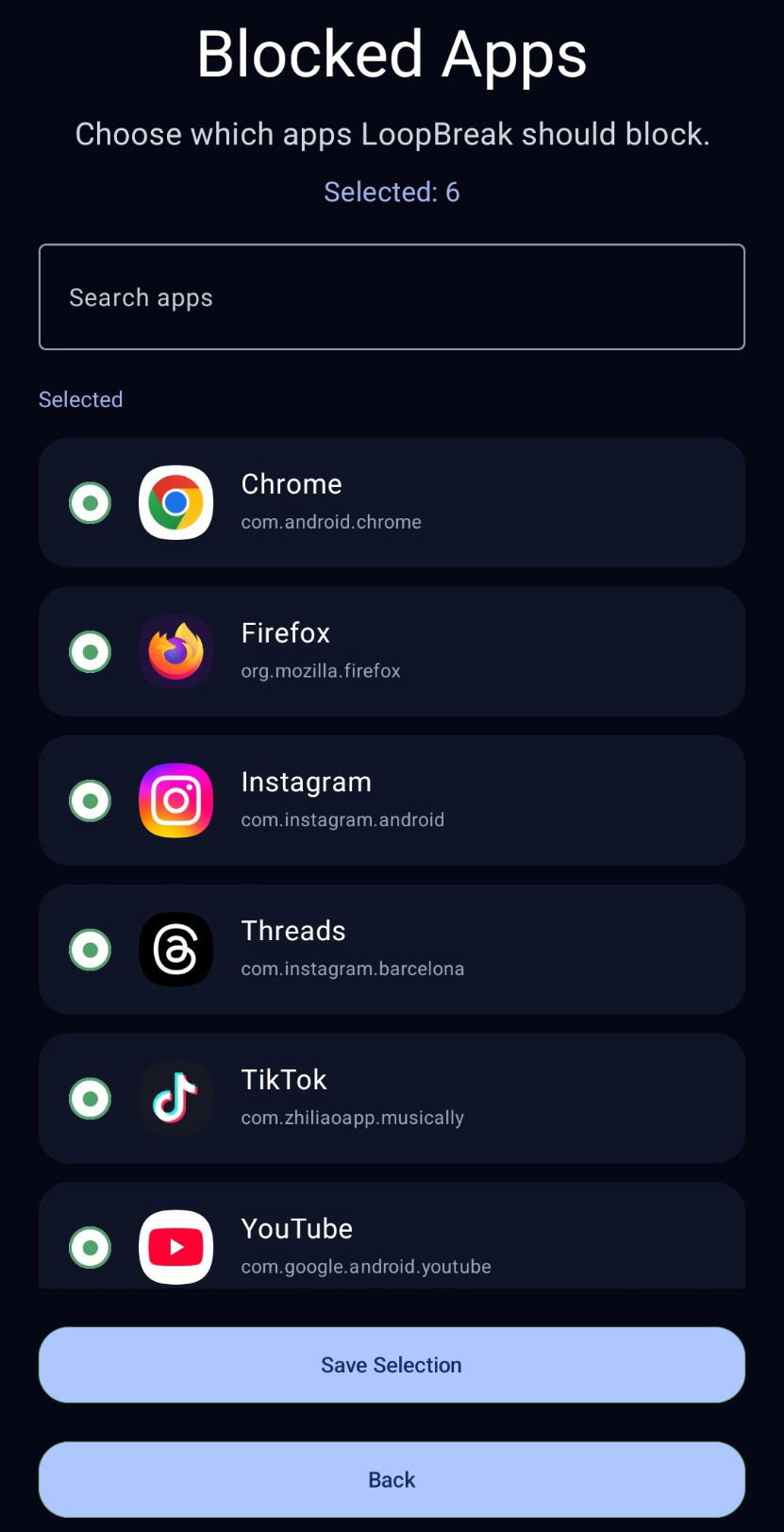
Choose the apps that tend to keep you scrolling when you should be sleeping.
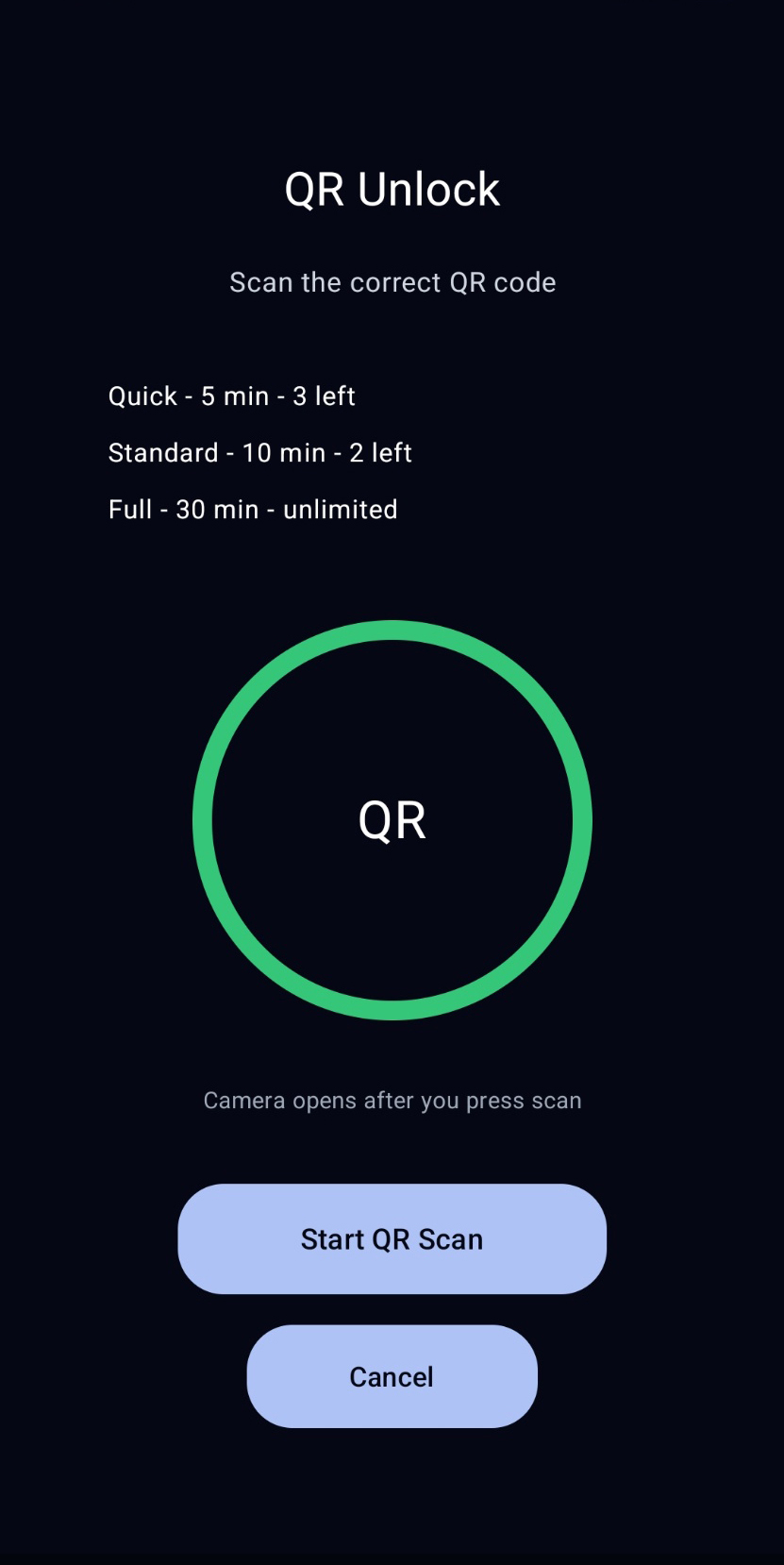
Scan fixed QR codes for short, controlled unlock windows.
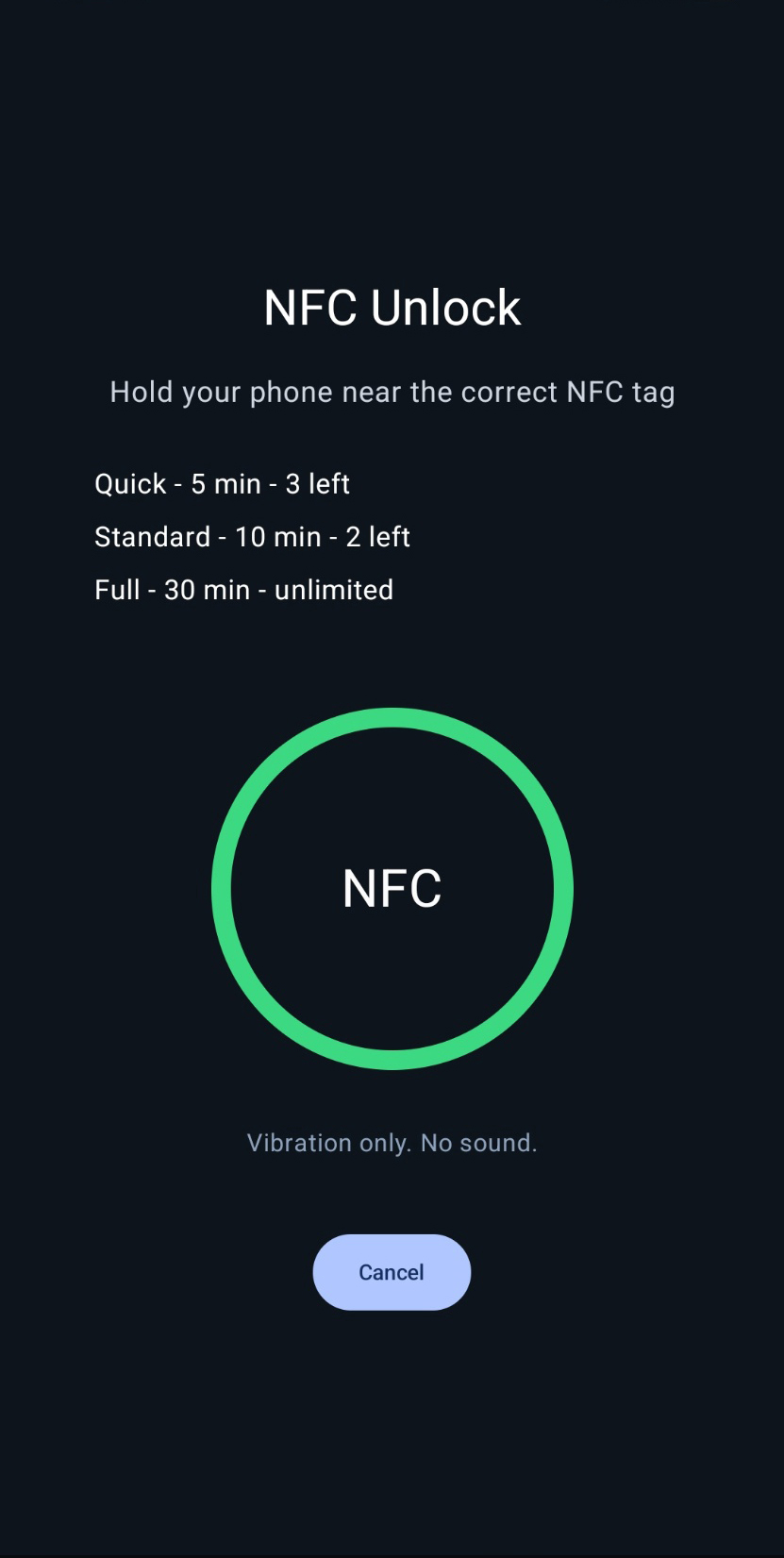
Premium users can tap a registered NFC tag for a simple physical unlock point.
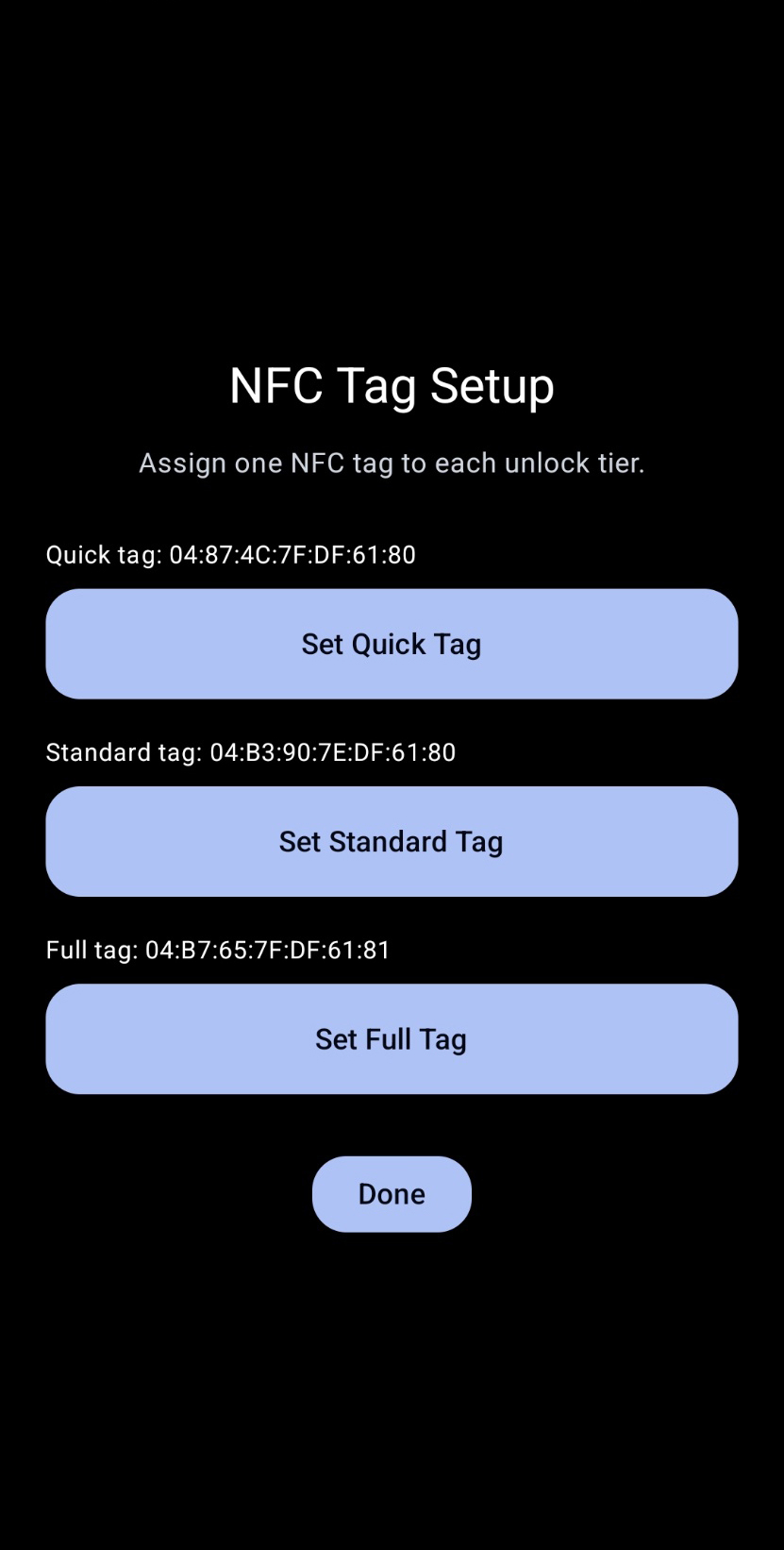
Premium users can assign generic NFC tags by ID. LoopBreak does not need to permanently write to the tag.
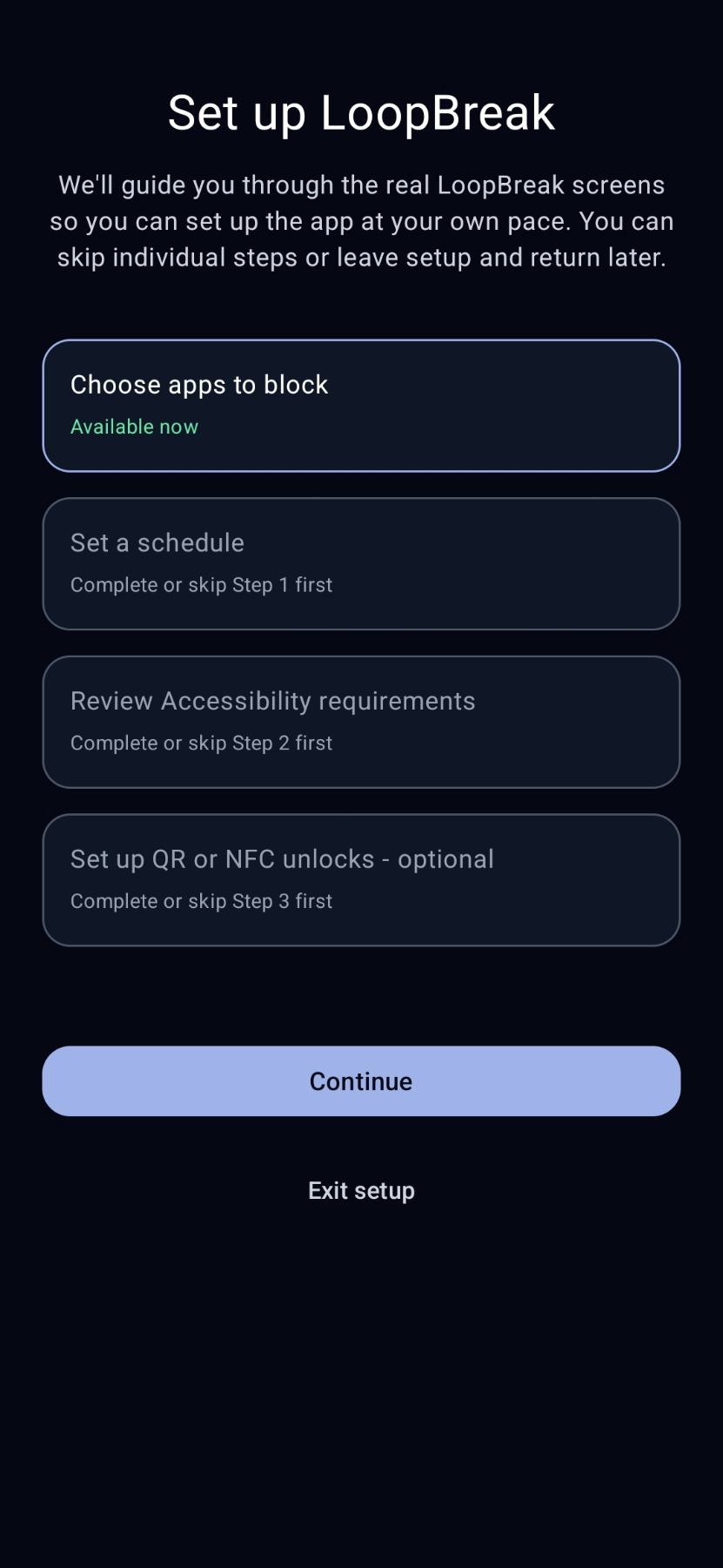
Walk through app selection, scheduling, Accessibility, and optional QR or NFC setup at your own pace.
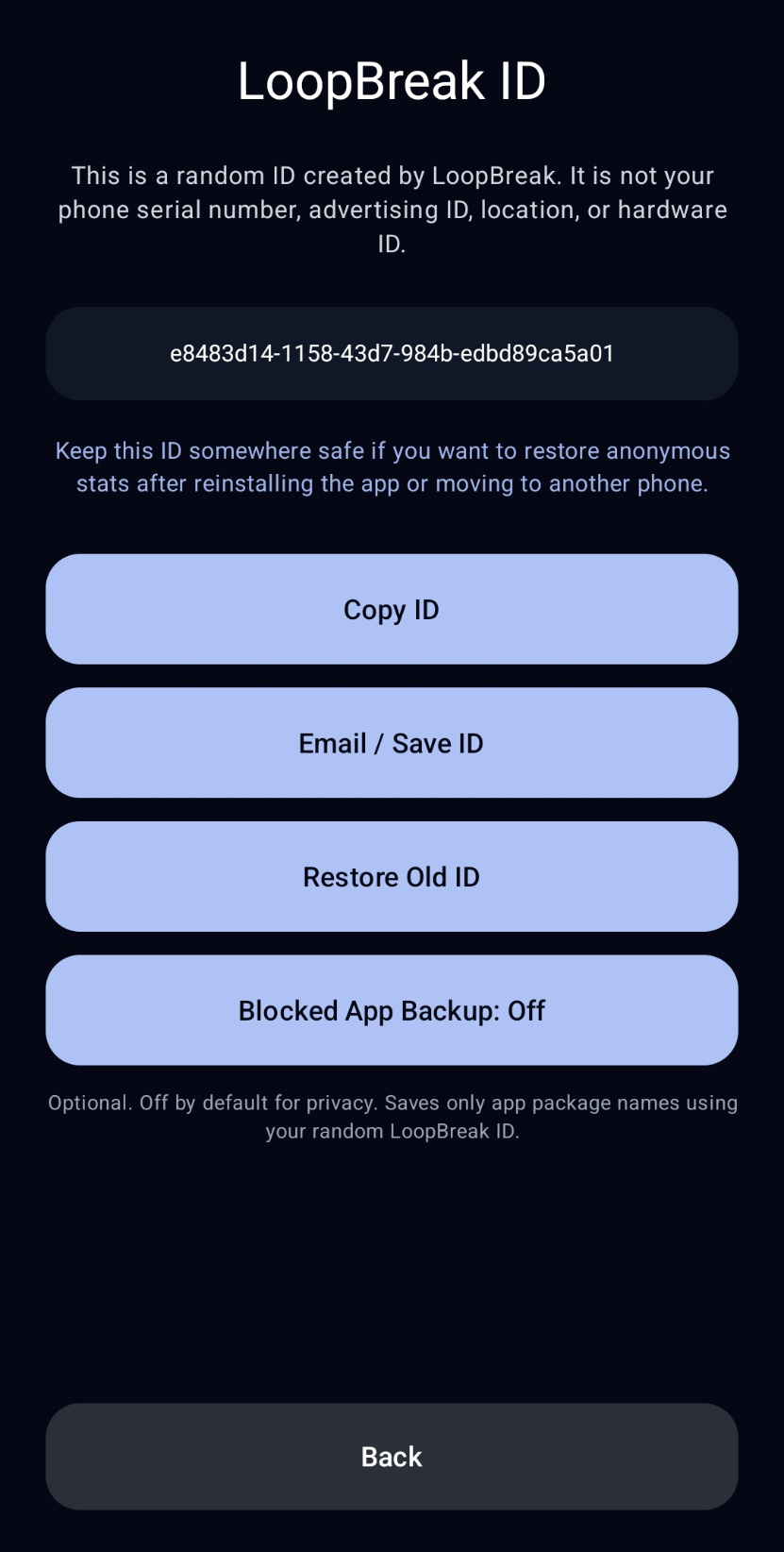
Restore an existing LoopBreak ID and eligible cloud-backed settings after reinstalling or moving to a new device.
Privacy
LoopBreak is designed around anonymous app behavior controls. It does not read your messages, passwords, typed text, financial information, or private screen content.
Read the privacy policyAccessibility
LoopBreak uses Android Accessibility Service to operate the blocking controls you enable, including recurring schedules, Quick Lock, and other active protected states.
Read the Accessibility explanationQuestions
Yes. LoopBreak is designed to block selected distracting apps during your sleep schedule.
LoopBreak focuses on scheduled app blocking at night. Free uses physical QR unlocks, while Premium adds more QR tiers and NFC.
Free includes up to three blocked apps, one weekly schedule, Quick QR unlocks, and seven-day Stats. Premium expands app limits and adds Standard and Full QR tiers, NFC, presets, Quick Lock, profiles, advanced protection, 30-day Stats, and optional cloud backup features.
LoopBreak does not track sleep. It helps protect sleep time by reducing access to distracting apps during your lock window.
Download the fixed QR code sheets and place them where they create the right amount of effort. Free includes core blocking and Quick QR unlocks. Premium is offered through Google Play as monthly or annual auto-renewing subscriptions, with local pricing shown in the app.
Download QR codes