How to use them
Print the QR code for the unlock tier you want, place it in a physical location, then scan it from the LoopBreak QR unlock screen when your apps are locked.
QR Unlock Codes
These QR codes are used to unlock blocked apps during an active scheduled lock. Place them away from your bed so unlocking requires real physical effort.
Print the QR code for the unlock tier you want, place it in a physical location, then scan it from the LoopBreak QR unlock screen when your apps are locked.
LoopBreak is built around friction. If the QR code is beside your bed, it is too easy. Put short unlocks nearby and longer unlocks farther away.
5 minutes for quick checks, 10 minutes for a little more time, and 30 minutes for longer access when you really need it.
Downloads
Download one size or grab the full pack for each tier. Large versions are better for wall placement. Small versions are better for compact cards.
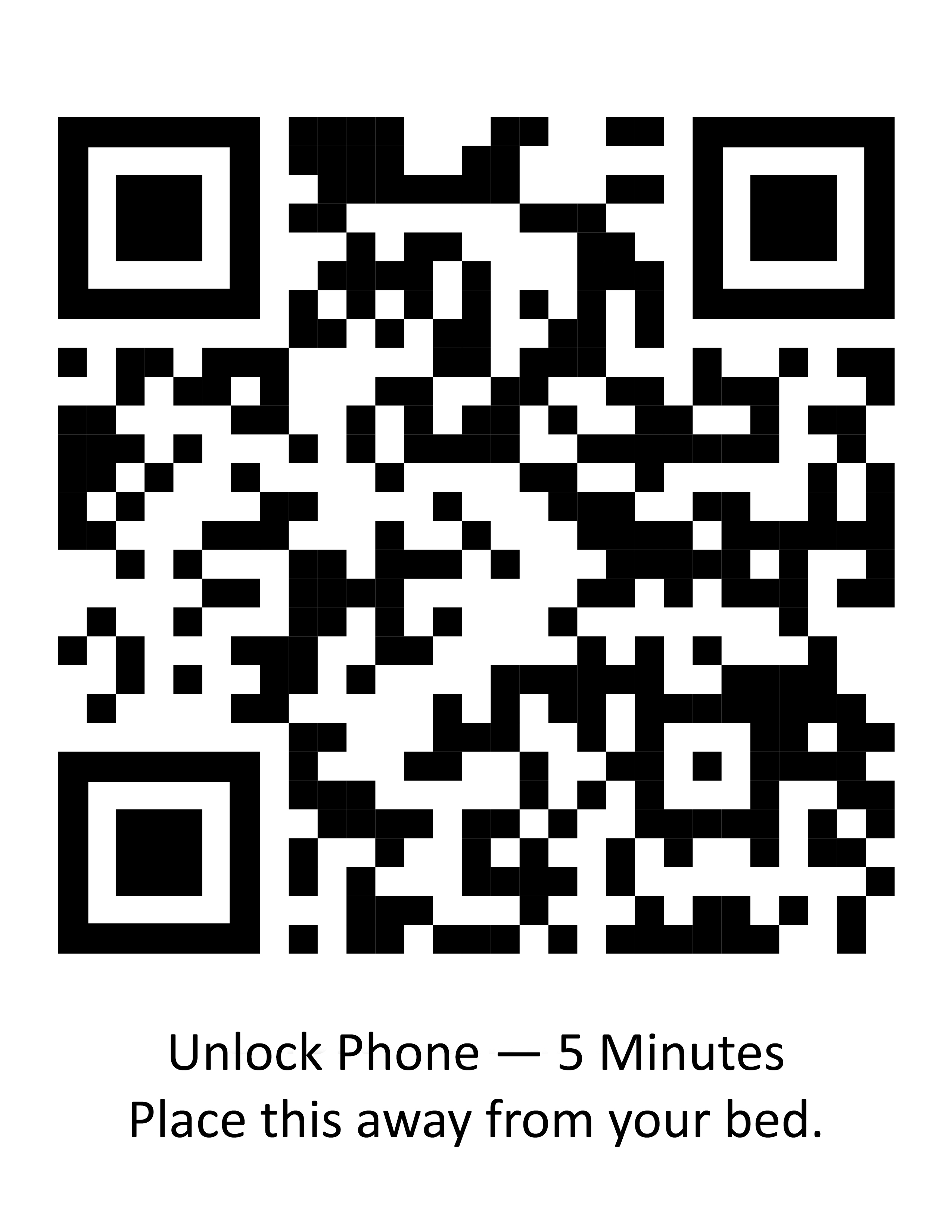
Quick check. Short unlock.
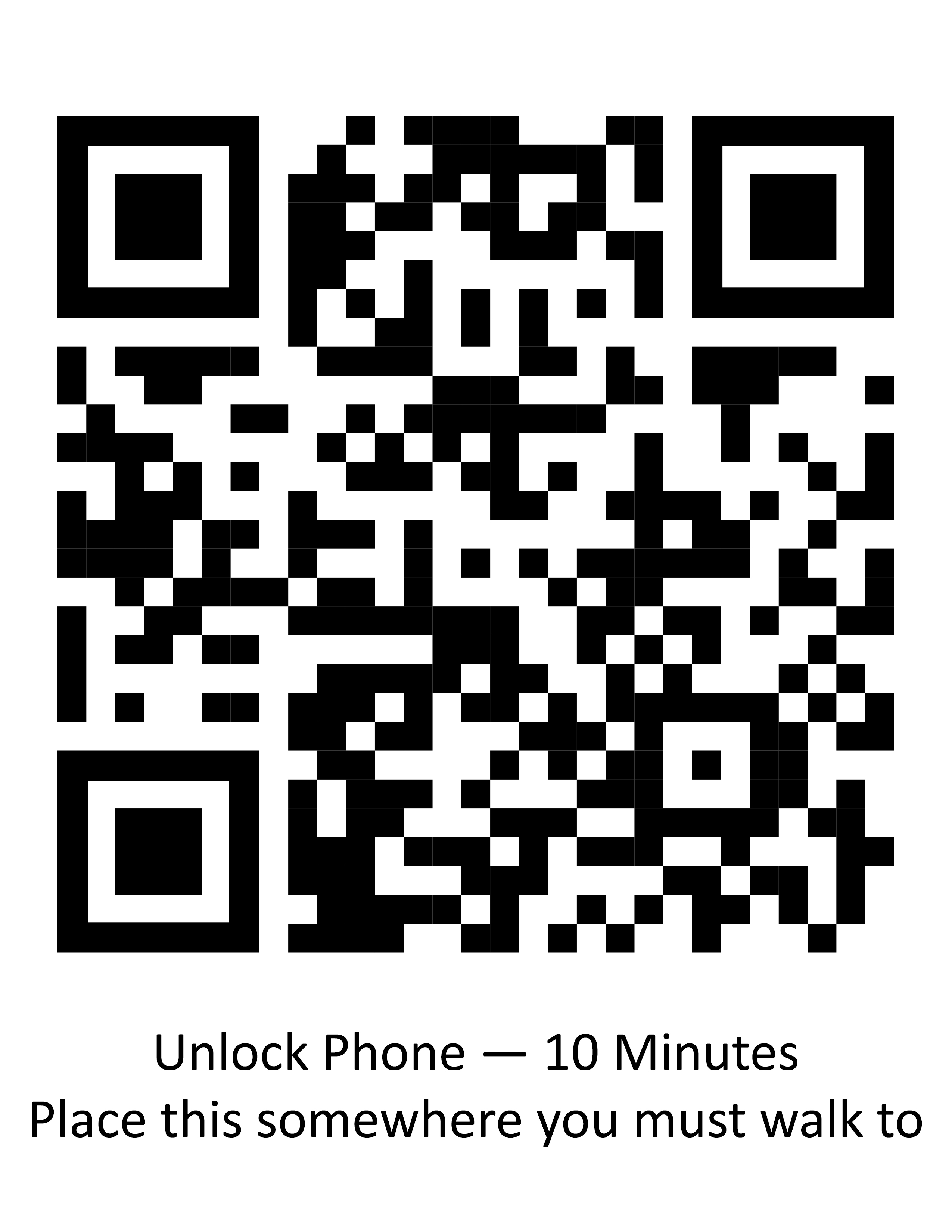
A little more time when needed.
Longer access when you really need it.
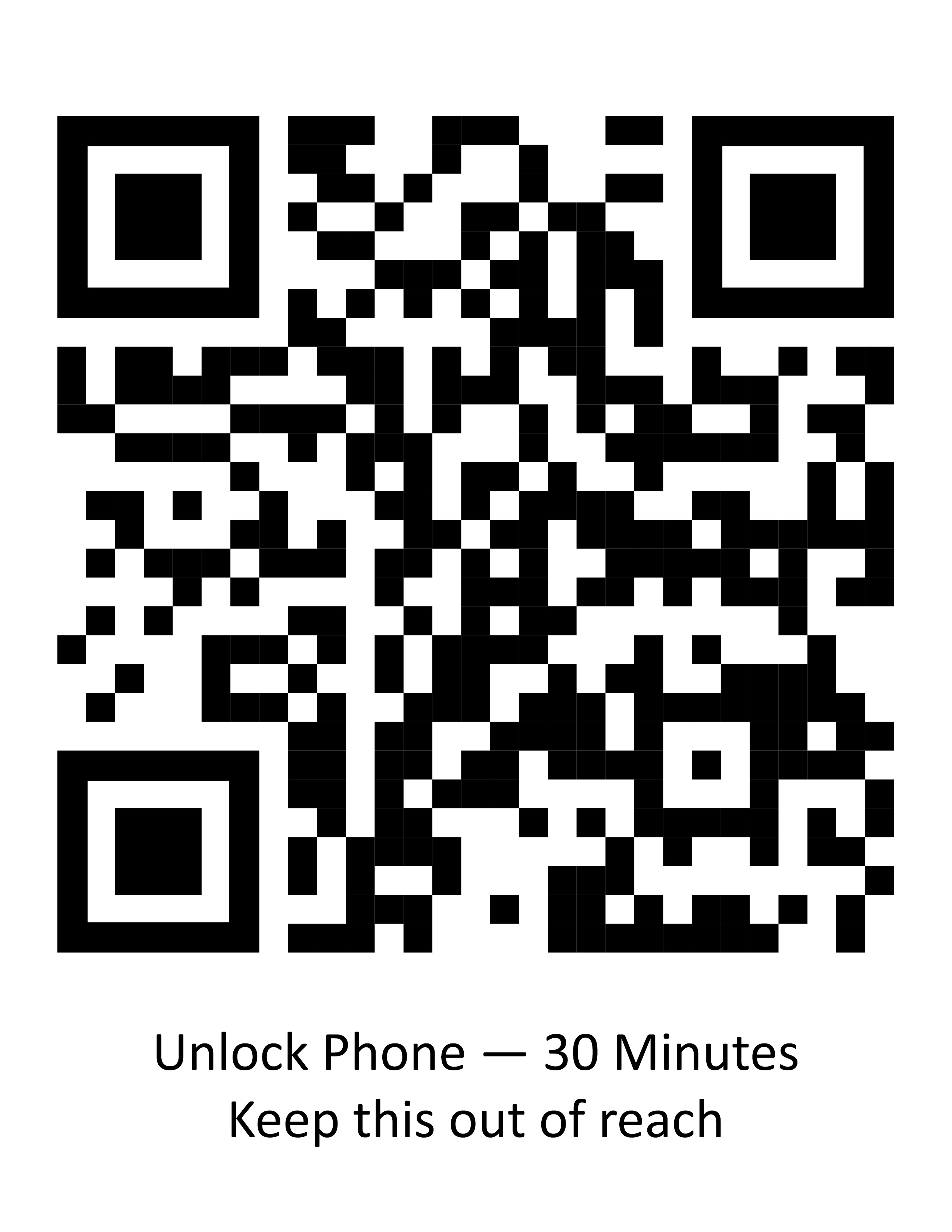
Put the 5 minute QR somewhere nearby but not beside the bed. Put the 10 minute QR farther away. Put the 30 minute QR somewhere that requires a real walk. The point is not to trap you — it is to interrupt automatic scrolling.